

Writing Style & Email Structure
Customize how the assistant writes emails to match your team’s communication style. Use the “Detect from Past Emails” button to auto-detect your writing style from your past sent emails and pre-fill the settings.- Writing style: Adjust tone, formality, and language preferences
- Email structure: Define how emails should be formatted and organized
- Detect from Past Emails: Click this button to automatically analyze your latest sent emails and pre-fill all writing style fields based on your actual communication patterns
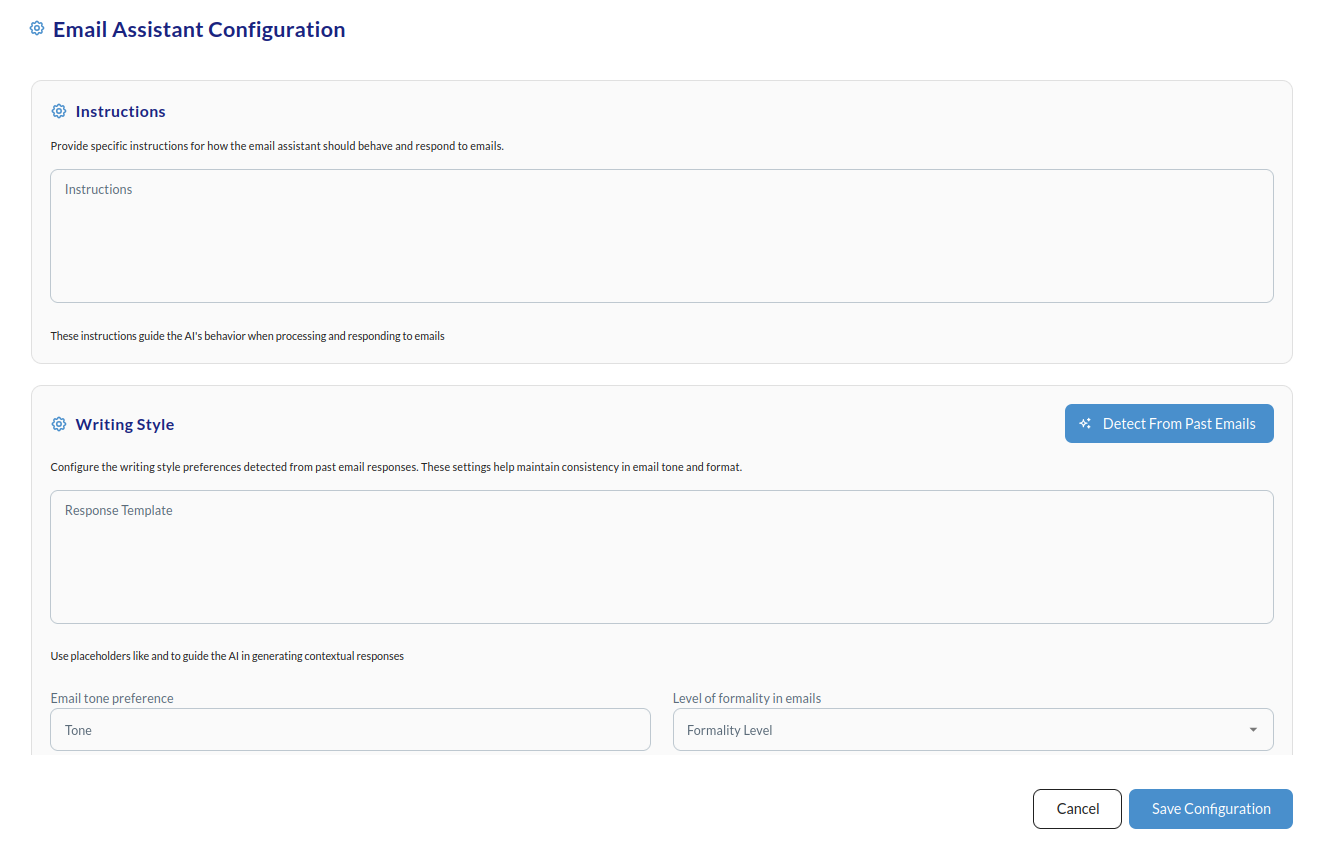
💡 Tip: Use the “Detect From Past Emails” feature to quickly match your existing email style. You can review and refine these settings after seeing the first draft responses. All settings can be adjusted anytime to better fit your needs.These options are in the Configure Email Assistant Settings area of the Email Assistant tab. Click Save Settings when you’re done.