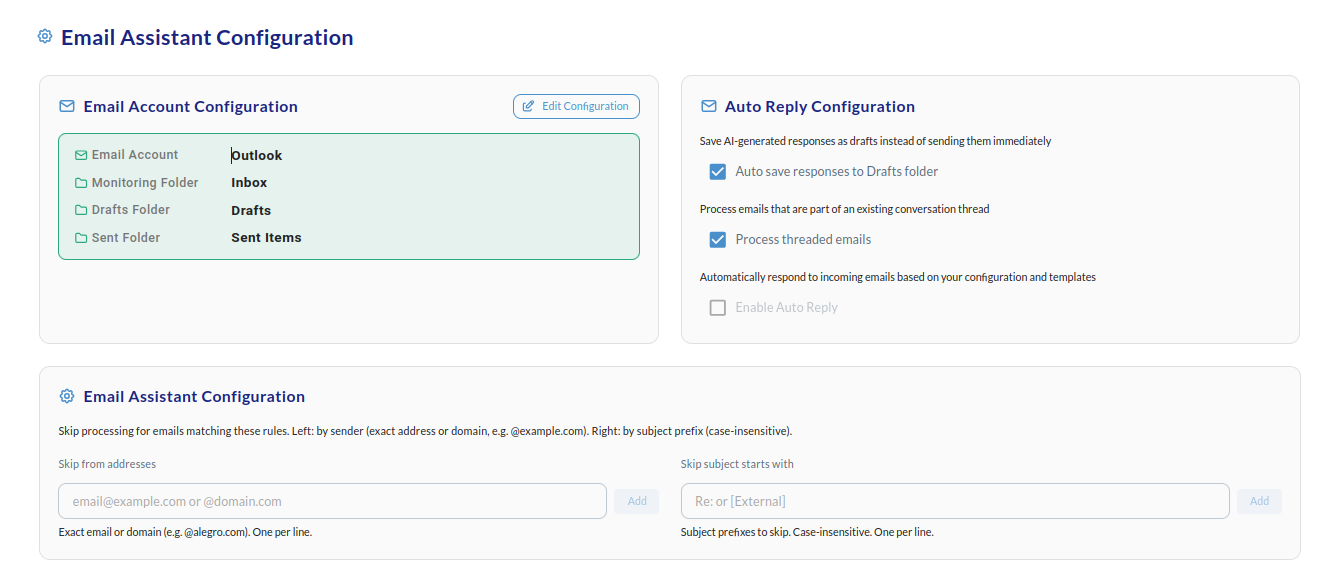
Email processing filters
Skip processing for emails matching these rules. Use the two fields to control which messages the assistant ignores:- Skip from addresses — Left field. Enter exact email addresses or domains (e.g.
email@example.comor@domain.com). One per line. Matching senders will not be processed. - Skip subject starts with — Right field. Enter subject prefixes to skip (e.g.
Re:or[External]). Case-insensitive. One per line.