

Linking Your Partner Code
About the Partner Program
Sensbot’s partner program rewards developers and agencies who recommend and implement Sensbot for their clients. As a partner, you’ll earn a recurring commission on your client’s subscription for 12 months from the date of installation. The commission percentage varies based on partnership agreements and volume, but partners typically earn a significant percentage of each client’s monthly subscription fee.Getting Your Partner Code
Before you can start earning commissions, you need a partner account. Contact us at partners@sensbot.ai to set up your partner account. We’ll create a unique partner code for you that you’ll use for all your client installations. You can find and copy your partner code from your partner dashboard: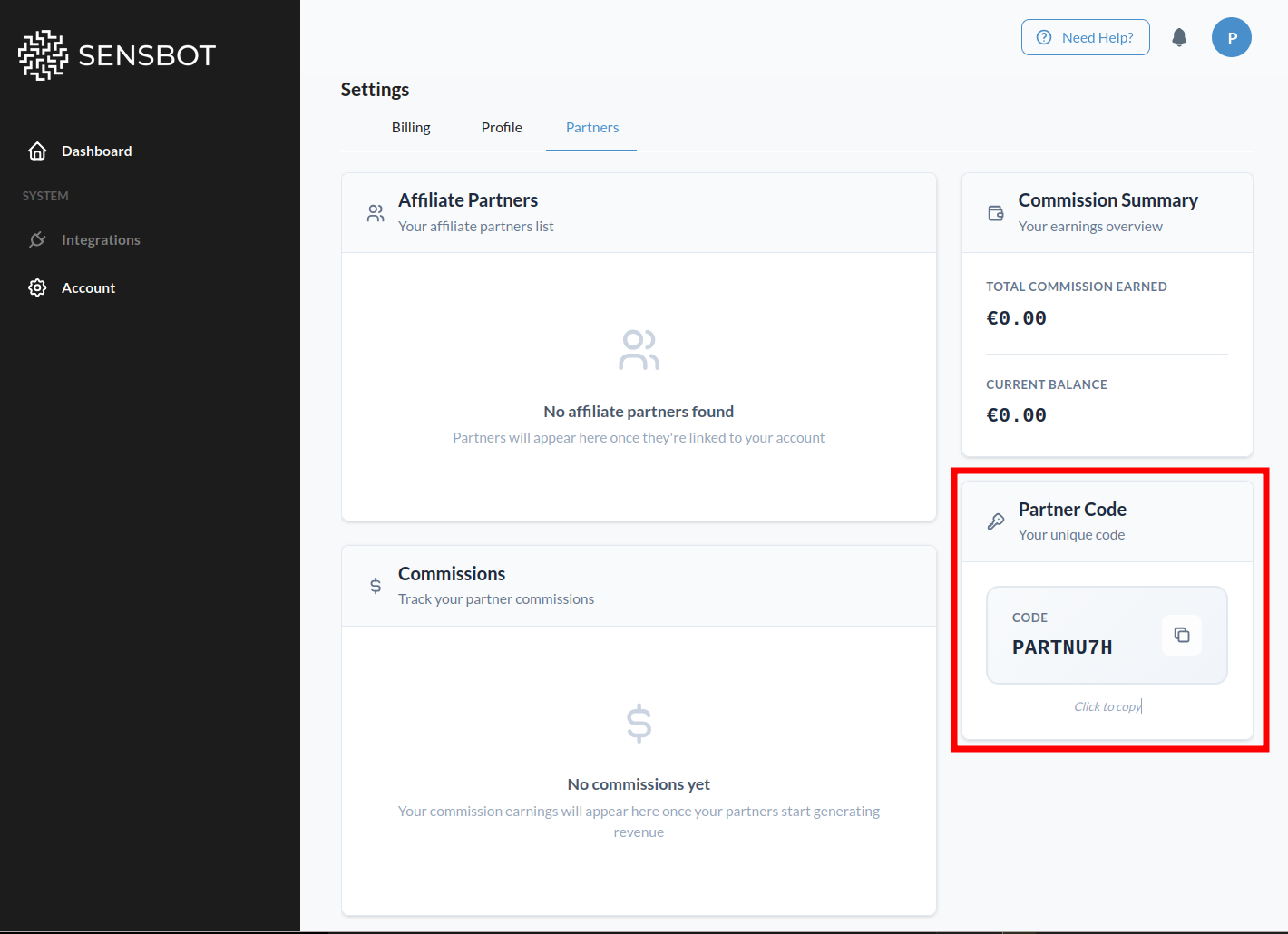
How to Link Your Code
Follow these steps after installing Sensbot on your client’s store.Steps
You need to enter your partner code on each client store you manage. Repeat these steps for every client installation:- Open your client’s store admin panel and navigate to the Sensbot app.
- Open the Sensbot app.
- Go to Account → Profile.
- Scroll to the bottom to find the Partner section.
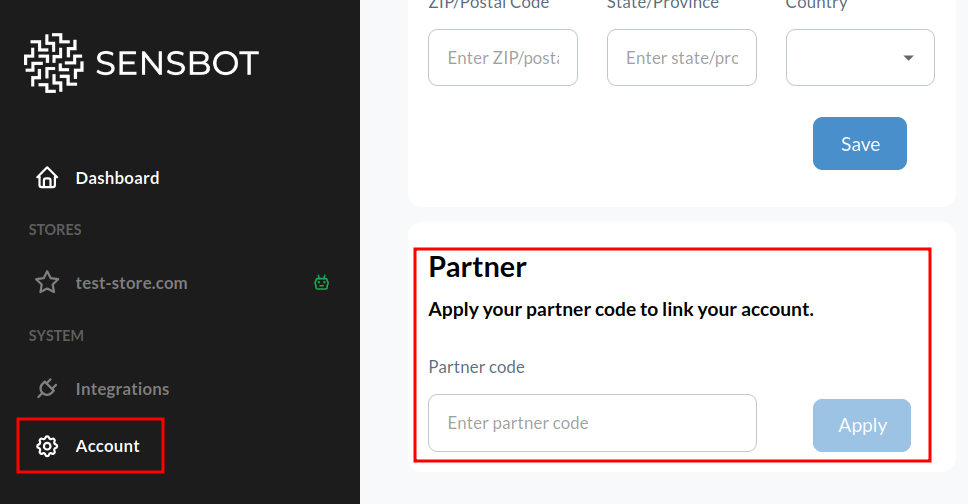
- Enter your partner code and save.
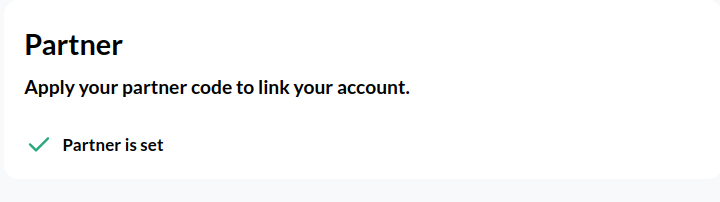
Once accounts are linked, payments from your client will be tracked automatically and commission will be assigned to your code. You’ll receive a monthly commission report. If a client forgets to enter the code, contact us and we’ll link it manually.