

Connect Your Email Account
- In your Sensbot settings, open the Email Assistant tab.
- Connect your email account:
- Gmail: Log in and confirm access permissions.
- Outlook: Log in and confirm access permissions.
- IMAP/SMTP: Enter your email server settings.
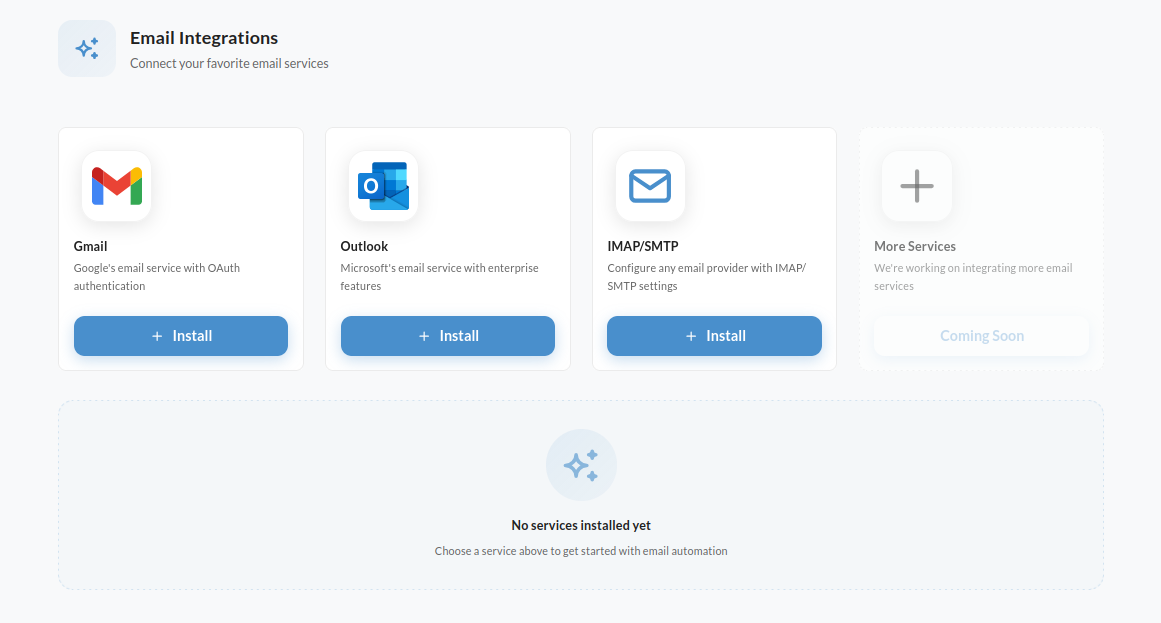
💡 Supported Email Providers: Sensbot Email Assistant works with Gmail, Outlook, and any IMAP/SMTP inbox. We also connect helpdesk platforms instead of a raw mailbox: see Thulium. Using something else? Contact us at support@sensbot.ai.