

Additional Agent Instructions
Located at the bottom of the Agent Settings section, this is a powerful free-form text field where you can fine-tune your chatbot’s behavior using natural language.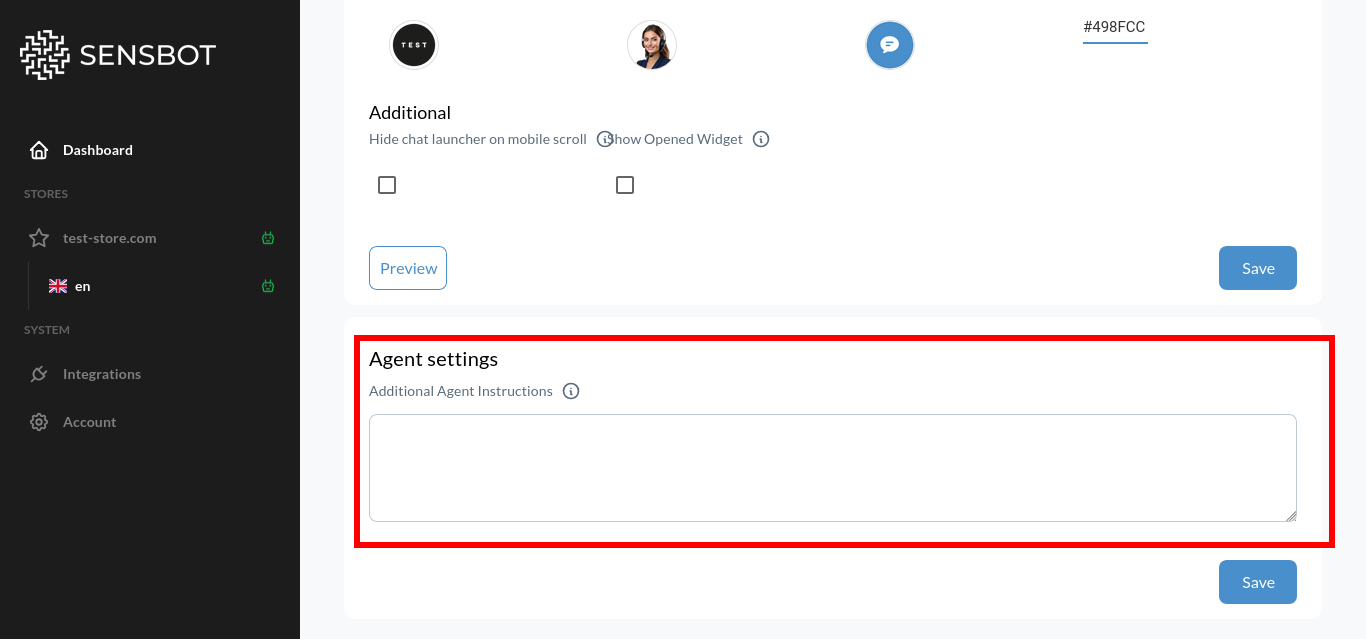
- Specific phrasing preferences
- Industry-specific terminology
- How to handle certain types of questions
- Brand-specific communication rules
- Formatting preferences
- Emoji usage
- Response structure
Examples of Additional Instructions
Formatting & Structure:Best Practices for Additional Instructions
Do:- ✅ Be specific and clear
- ✅ Focus on 2-4 main directives
- ✅ Use simple, direct language
- ✅ Test changes and iterate
- ✅ Align with your brand guidelines
- ✅ Update seasonally if needed
- ❌ Write overly long instructions (keep under 200 words)
- ❌ Give conflicting directions (“be formal” and “be casual”)
- ❌ Use vague language (“be nice”)
- ❌ Try to completely override the base personality
- ❌ Include sensitive business logic or rules
- ❌ Add instructions that contradict chosen tone settings
Seasonal and Campaign Adjustments
Consider updating behavior settings for: Holiday Seasons:Next Steps
- Core Personality Settings - Configure basic tone and response length
- Knowledge Base Settings - Add files and webpages for accurate answers
- Look & Appearance Settings - Match the visual design to your brand