
Custom Instructions

A free-form text field where you can fine-tune how the email assistant behaves and responds to emails using natural language. These instructions are added on top of the assistant’s base programming so you can guide specific behaviors and edge cases. What you can control:
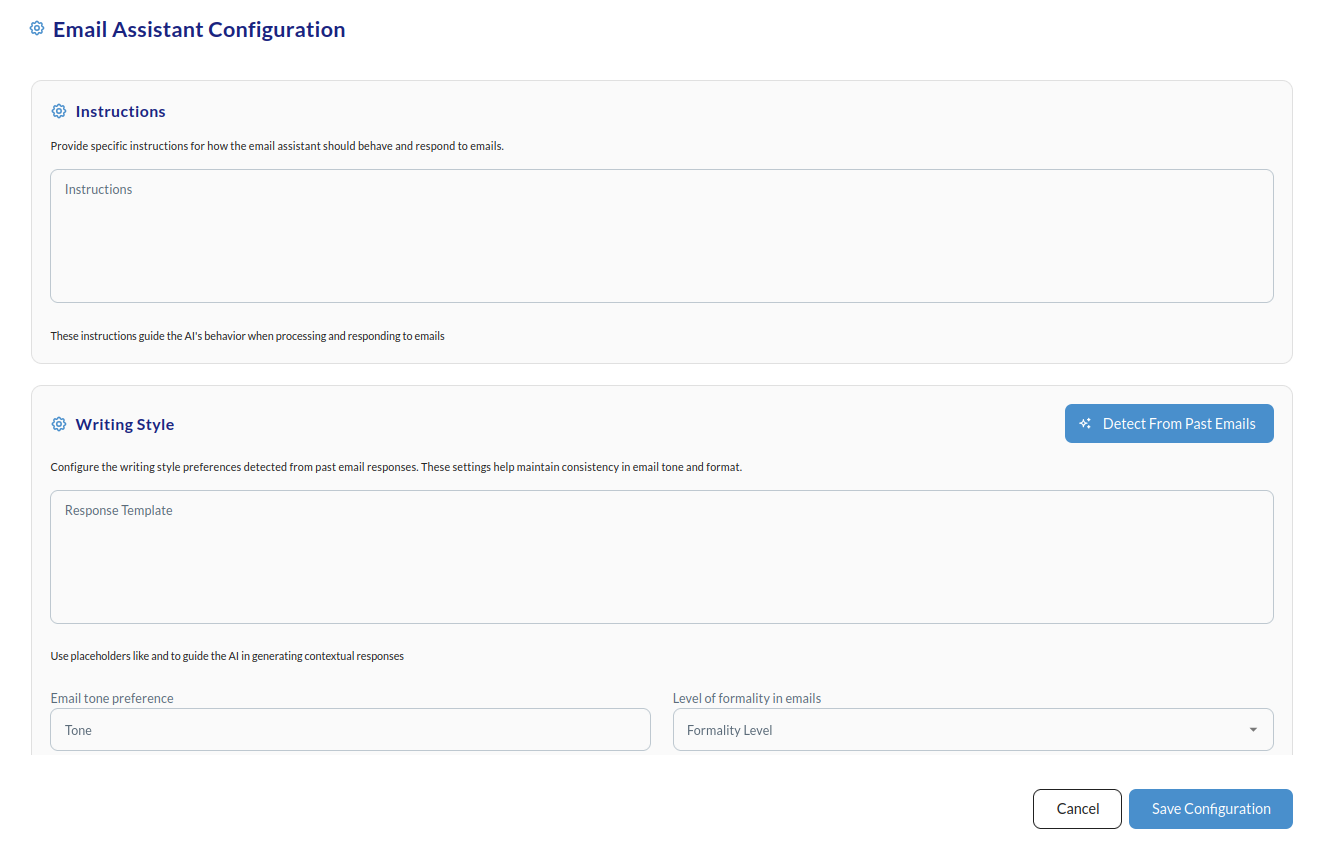
  • Specific phrasing preferences
  • Industry-specific terminology
  • How to handle certain types of questions or requests
  • When to escalate or suggest a human reply

Examples of instructions

Product and policy guidance:
Tone and empathy:
Specific limitations:
Industry-specific (e.g. fashion):
Industry-specific (e.g. technical/B2B):

Best practices

Do: Be specific and clear; focus on 2–5 main directives; use simple, direct language; test and iterate; align with your brand guidelines. Don’t: Write overly long instructions (keep under 200 words); give conflicting directions; use vague language; include sensitive business logic; contradict your chosen Writing Style settings. Optimal length: 50–150 words, 2–5 specific instructions. For formatting, tone, emoji usage, and response structure, use the Writing Style & Email Structure section instead.