

Sensbot Store Copilot for IdoSell – Installation Guide
Add an AI-powered Store Copilot to your IdoSell store with Sensbot. Follow these steps to install it.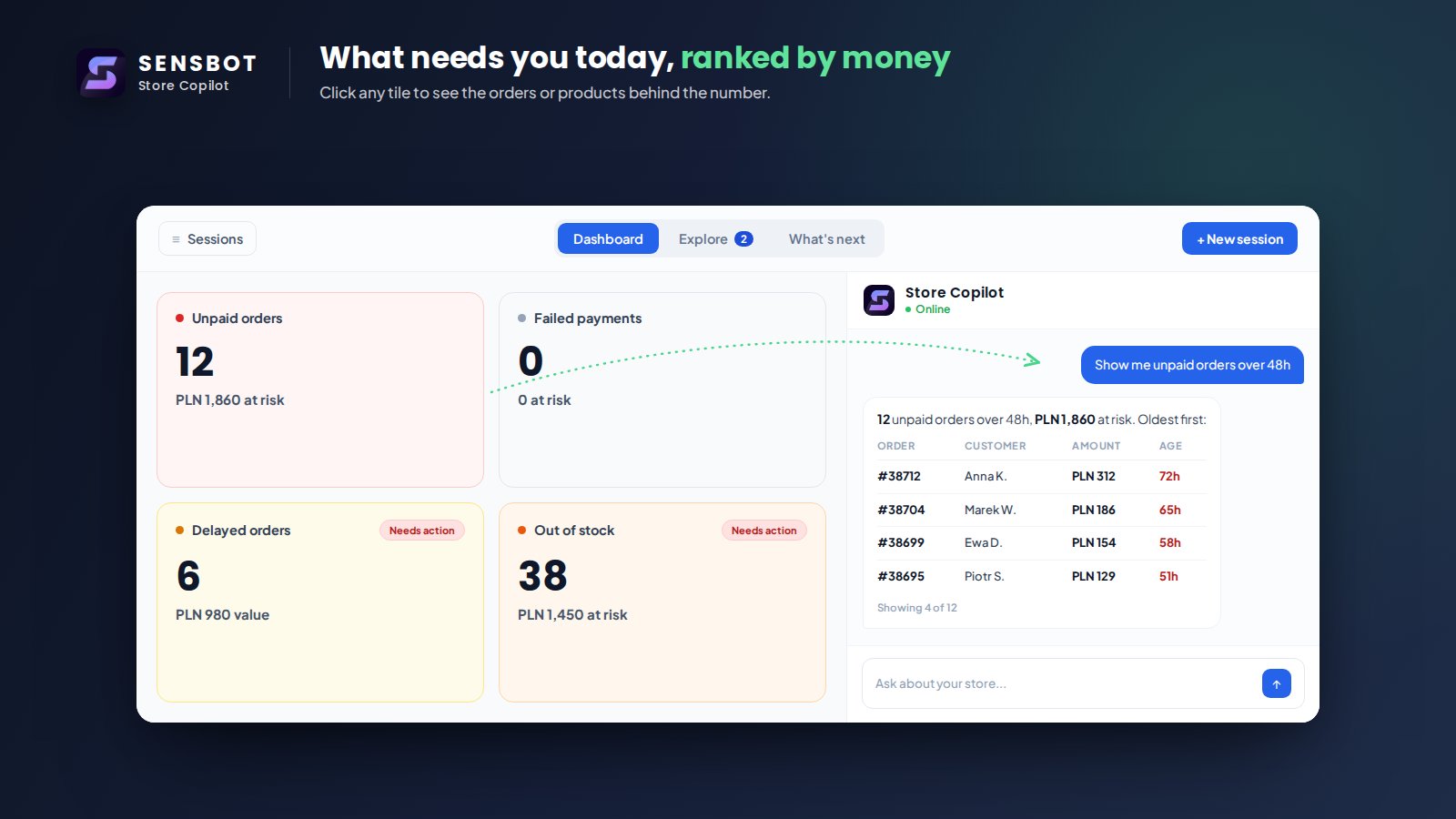
✅ Step 1: Install Sensbot Store Copilot from the Apps Section
- In your IdoSell admin panel, go to Apps.
- Search for Sensbot Store Copilot in the list.
- Click Install and follow the prompts.
✅ Step 2: Open the Store Copilot
- After installation, go to Customers > Sensbot Store Copilot.
- The Store Copilot will open in an embedded view, ready to assist you.