Gmail Add-on – Installation
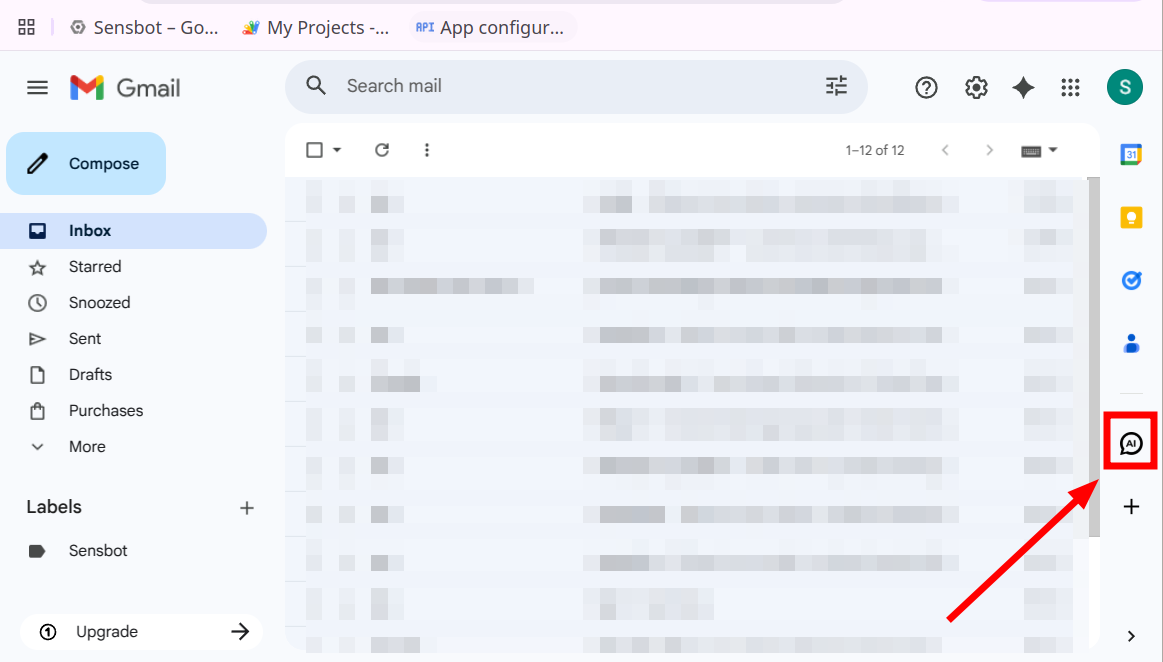
You can install the Sensbot AI Email Assistant add-on directly from the Google Workspace Marketplace: https://workspace.google.com/marketplace/app/sensbot_ai_email_assistant/754251005171 Click Install and complete the permission prompts. When the add-on is installed, reload Gmail (refresh the page or reopen Gmail). The Sensbot icon will appear in the right tools pane next to your inbox.