> ## Documentation Index
> Fetch the complete documentation index at: https://docs.sensbot.ai/llms.txt
> Use this file to discover all available pages before exploring further.
# Upgates
> Upgates .pl integration
# Sensbot for Upgates – Installation & Setup Guide
Enhance your Upgates store with an intelligent AI chatbot using Sensbot. Follow the steps below to install and configure it.
***
## ✅ Step 1: Install Sensbot from the Upgates Addon Store
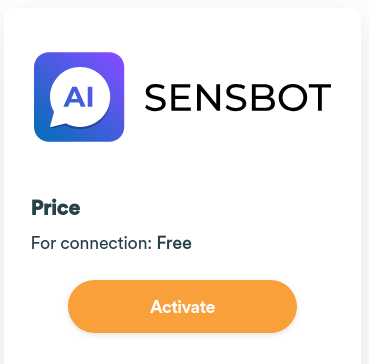
1. Go to the [Sensbot AI Chatbot listing on the Upgates Addon Store](https://addons.upgates.com/detail/sensbot-ai-chatbot).
2. Click **Install** and follow the prompts to connect it to your store.
 ***
## ✅ Step 2: Open Sensbot Settings
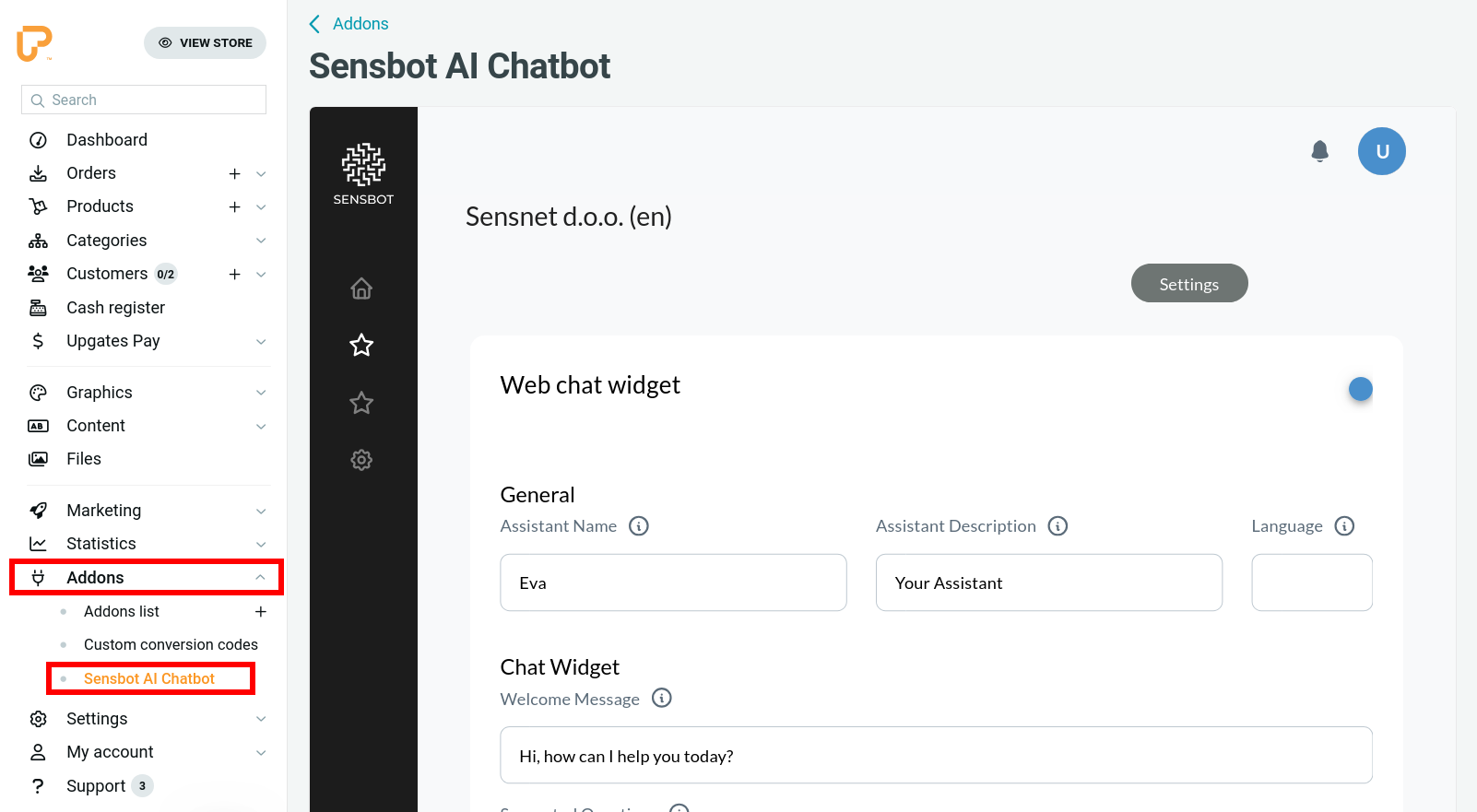
1. After installation, go to **Addons > Sensbot AI** in your Upgates admin panel.
2. The Sensbot settings panel will open.
3. Sensbot will begin syncing your products and orders.
> ⏳ **Note:** Syncing may take a few minutes for small stores, and up to a few hours for large inventories. You can proceed with configuration while syncing runs in the background.
***
## ✅ Step 2: Open Sensbot Settings
1. After installation, go to **Addons > Sensbot AI** in your Upgates admin panel.
2. The Sensbot settings panel will open.
3. Sensbot will begin syncing your products and orders.
> ⏳ **Note:** Syncing may take a few minutes for small stores, and up to a few hours for large inventories. You can proceed with configuration while syncing runs in the background.
 ***
## ✅ Step 3: Finalize Chatbot Configuration
1. In the Sensbot app, you can customize:
* **Knowledge base**: Add relevant web pages or upload documents (PDF, Word, TXT).
* **Style & appearance**: Tailor the look and feel to match your brand.
* **Behavior & tone**: Adjust how the bot communicates with your customers.
2. Click **Save Settings** when you're done.
> 💡 You can revisit and refine these settings at any time.
***
## 🎉 Done!
Your Sensbot AI Chatbot is now active on your Upgates store and ready to assist your customers.
For help you can ontact us at [support@sensbot.ai](mailto:support@sensbot.ai).
***
## ✅ Step 3: Finalize Chatbot Configuration
1. In the Sensbot app, you can customize:
* **Knowledge base**: Add relevant web pages or upload documents (PDF, Word, TXT).
* **Style & appearance**: Tailor the look and feel to match your brand.
* **Behavior & tone**: Adjust how the bot communicates with your customers.
2. Click **Save Settings** when you're done.
> 💡 You can revisit and refine these settings at any time.
***
## 🎉 Done!
Your Sensbot AI Chatbot is now active on your Upgates store and ready to assist your customers.
For help you can ontact us at [support@sensbot.ai](mailto:support@sensbot.ai).