> ## Documentation Index
> Fetch the complete documentation index at: https://docs.sensbot.ai/llms.txt
> Use this file to discover all available pages before exploring further.
# IdoSell Store Copilot Installation
> Sensbot Store Copilot for IdoSell – Installation Guide
# Sensbot Store Copilot for IdoSell – Installation Guide
Add an AI-powered Store Copilot to your IdoSell store with Sensbot. Follow these steps to install it.
 ***
## ✅ Step 1: Install Sensbot Store Copilot from the Apps Section
1. In your IdoSell admin panel, go to **Apps**.
2. Search for **Sensbot Store Copilot** in the list.
3. Click **Install** and follow the prompts.
***
## ✅ Step 2: Open the Store Copilot
1. After installation, go to **Customers > Sensbot Store Copilot**.
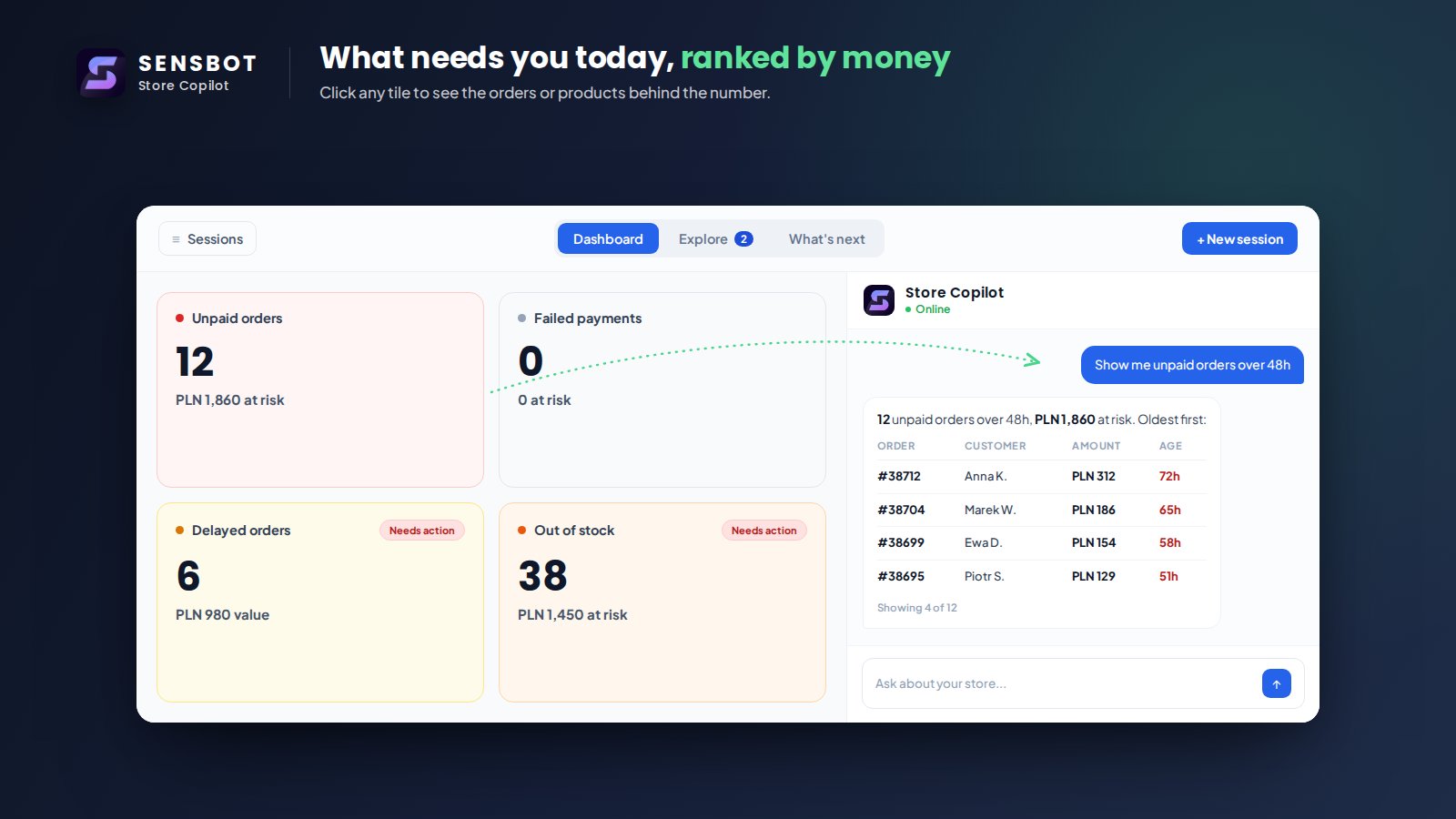
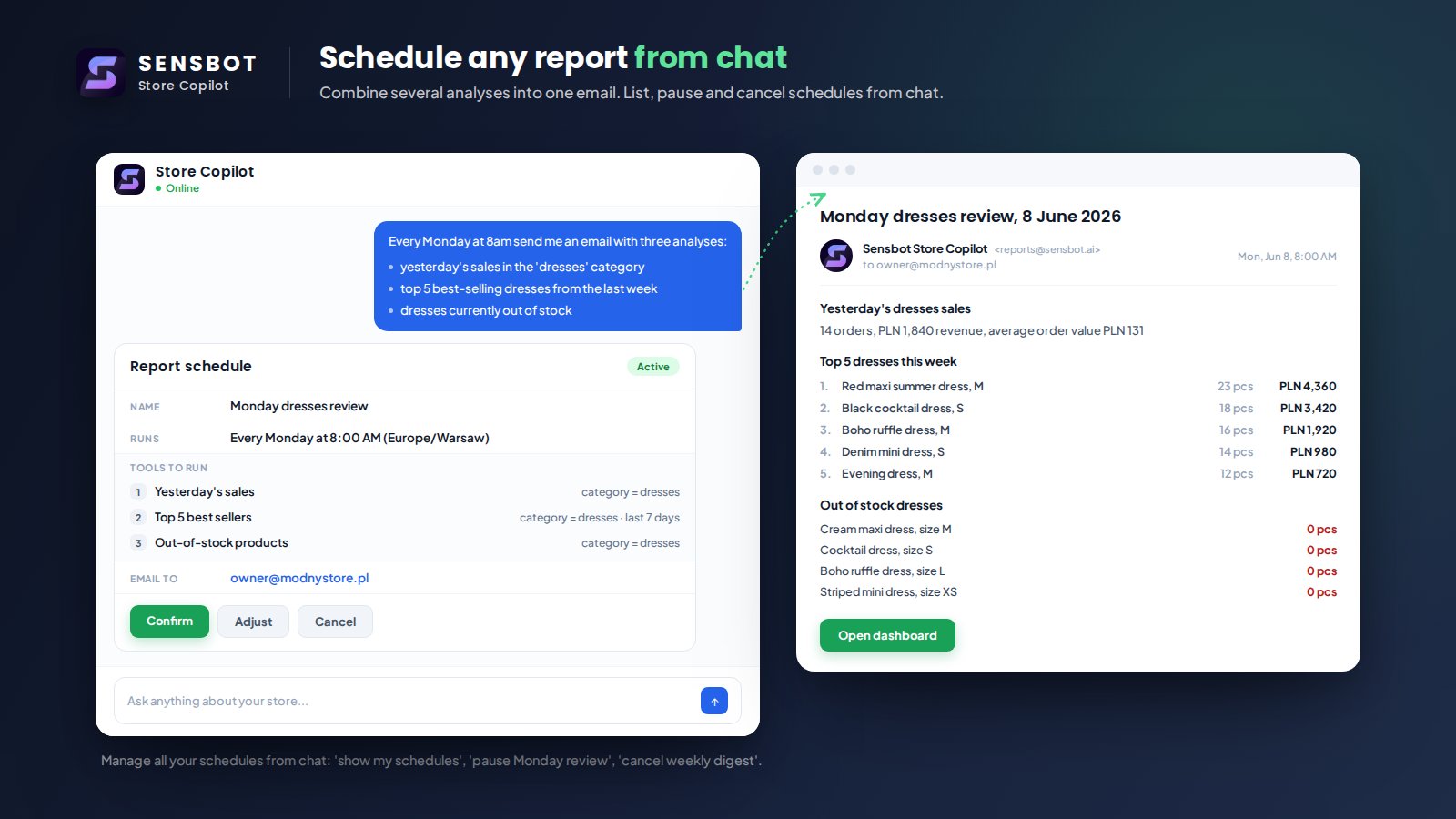
2. The Store Copilot will open in an embedded view, ready to assist you.
***
## 🎉 Done!
Sensbot Store Copilot is now installed and ready to use.
Need help? Contact us at [support@sensbot.ai](mailto:support@sensbot.ai).
***
## ✅ Step 1: Install Sensbot Store Copilot from the Apps Section
1. In your IdoSell admin panel, go to **Apps**.
2. Search for **Sensbot Store Copilot** in the list.
3. Click **Install** and follow the prompts.
***
## ✅ Step 2: Open the Store Copilot
1. After installation, go to **Customers > Sensbot Store Copilot**.
2. The Store Copilot will open in an embedded view, ready to assist you.
***
## 🎉 Done!
Sensbot Store Copilot is now installed and ready to use.
Need help? Contact us at [support@sensbot.ai](mailto:support@sensbot.ai).